
Block Coding for Kids: The Easiest First Step Into Programming
What is block coding and is it still worth learning now that AI writes code? See what kids learn, how it leads to AI projects and when to move on.
Introduction
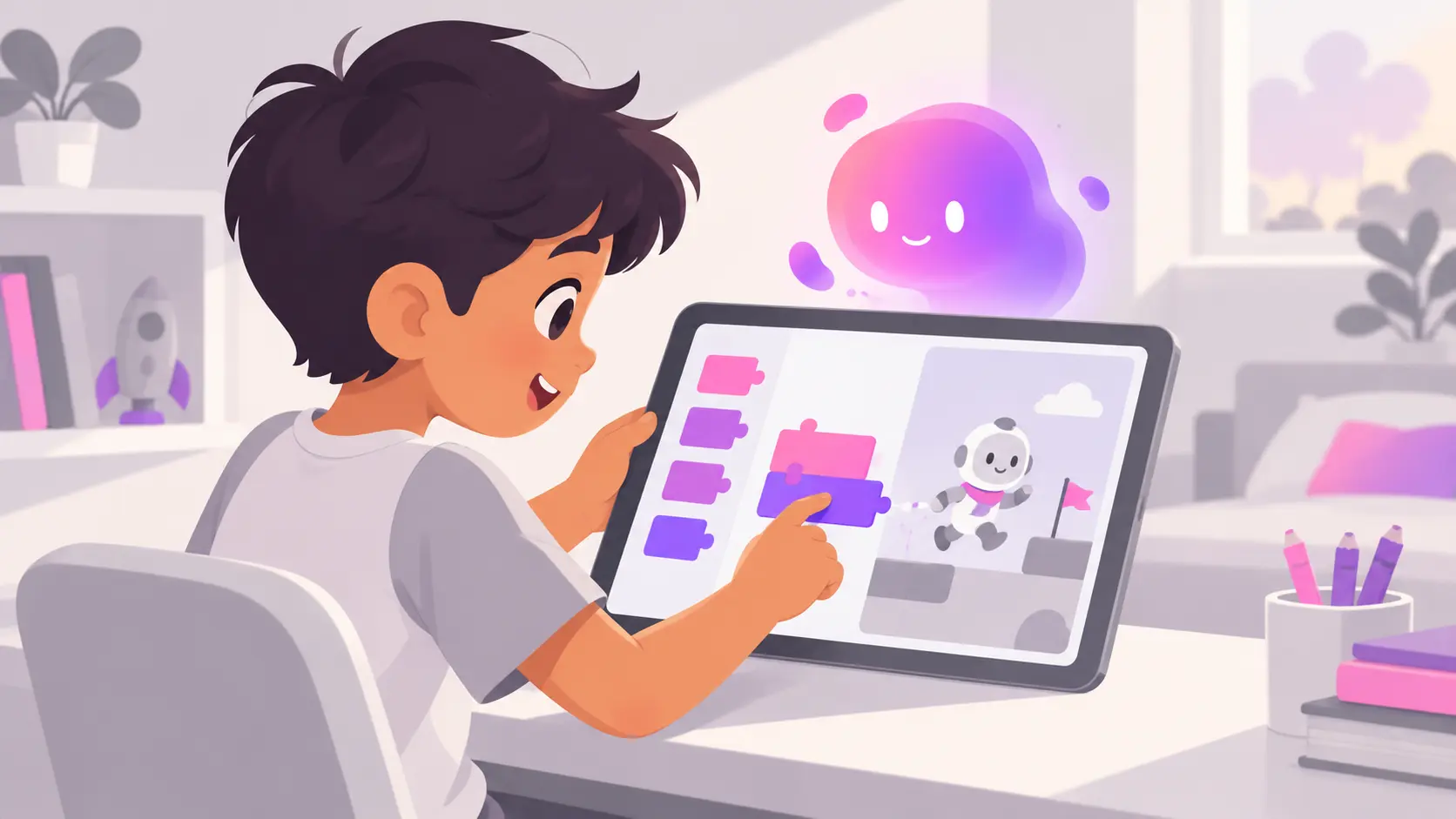
If your child is between 6 and 10, you have probably seen block coding already. Colourful puzzle pieces snap together on a screen, and a cartoon cat starts to walk, jump or talk. It looks like a game. Many parents wonder if it teaches anything real.
It does. Block coding teaches the same thinking that sits underneath every app, website and AI tool your child uses. And in a world where AI can write code in seconds, that thinking matters more than ever, because it is what lets a child understand, question and fix what the AI produces.
This guide explains what block coding is, what your child actually learns from it, how it now connects to AI, and when it is time to move on.
In this article, you will learn:
- What block coding is and how it works
- The six core skills children build with it
- How kids can already use block coding to build simple AI projects
- The signs your child is ready for the next step
What Is Block Coding?
Block coding is a way of programming where children drag and drop visual blocks instead of typing lines of code. Each block is one instruction, such as “move 10 steps” or “repeat 5 times.” Blocks only fit together in ways that make sense, so children cannot make spelling or bracket mistakes.
The best-known example is Scratch, a free platform created at MIT. By 2022, Scratch had passed 100 million registered users, making it the largest coding community for children in the world. Other popular options include ScratchJr for younger children and the block-based lessons on Code.org.
Block coding is also becoming part of school. CBSE’s new Computational Thinking and AI curriculum for Classes 3 to 8, starting in 2026-27, includes block-based coding such as Scratch.
Why Block Coding Still Matters When AI Can Write Code
This is the question most parents ask today. If AI can write code, why should a seven-year-old learn to snap blocks together?
Here is the honest answer. AI is very good at producing code, but it is not always right. It often creates something that looks correct and still has a small logic mistake inside. The person using the AI needs to understand the logic well enough to notice.
Block coding is the easiest way to build that understanding early. A child who has spent months making a character repeat, wait and react has a clear mental picture of how instructions work. Later, when they ask an AI to build a game and something goes wrong, they know where to look.
So think of block coding as the foundation, not the destination. It is the first layer of a path that leads to building with AI. We explain that full path in our guide to online coding classes for kids.
What Children Actually Learn From Block Coding
Behind the bright colours, block coding teaches six ideas that every programmer and every AI builder uses.
| Concept | What it means | Everyday example | Why it matters with AI |
|---|---|---|---|
| Sequences | Instructions run in order | Brushing teeth before bed | AI output must follow a sensible order |
| Loops | Repeating an action | Stirring a pot 10 times | Spotting when AI repeats something forever |
| Conditions | “If this, then that” | If it rains, take an umbrella | Checking AI handles every situation |
| Variables | Storing information | Keeping score in a cricket match | Understanding where AI keeps data |
| Events | Something that starts an action | A doorbell ringing | Knowing what triggers each part of an app |
| Debugging | Finding and fixing mistakes | Retracing steps to find lost keys | The most important skill when AI gets it wrong |
Debugging deserves special attention. When a child’s Scratch cat walks off the screen instead of turning around, they have to figure out why. That habit of calmly testing, spotting the problem and trying a fix is exactly what AI-assisted building needs.
Block Coding Meets AI: What Kids Can Build Today
Block coding is no longer only about moving cartoon characters. Children can now use it to build simple AI projects.
A good example is Machine Learning for Kids, a free tool created by IBM developer Dale Lane. Children train their own small AI model and then use it inside a Scratch project with ordinary code blocks.
One of the most popular projects works like this:
- The child types examples of kind messages and unkind messages.
- They train an AI model to tell the two apart.
- In Scratch coding, they draw a character with a happy face and a sad face.
- They use blocks to say: if the AI thinks the message is kind, show the happy face. Otherwise, show the sad face.
- They test it with new messages and see where the AI gets confused.
In one project, a child learns what training data is, why AI makes mistakes, and how code and AI work together. That is a strong first step into AI, and it is all done with blocks.
Block Coding vs Text Coding vs Building With AI
Each stage has a place. The trick is knowing what each one is for.
| Block coding | Text coding | Building with AI | |
|---|---|---|---|
| Typical starting age | 5 to 10 | 10 and above | 10 and above, with guidance |
| How it works | Drag and drop visual blocks | Typing code in a language like Python | Describing what to build, then testing and fixing |
| Main strength | Makes logic visible and fun | Full control and flexibility | Real projects built quickly |
| Main limit | Hard to build large projects | Syntax slows beginners down | Needs logic skills to catch AI mistakes |
| Best used for | Learning how instructions work | Understanding code in depth | Creating useful apps, tools and assistants |
Block coding builds the logic. Building with AI turns that logic into real projects. Text coding adds depth along the way.
Signs Your Child Is Ready to Move Beyond Blocks
Block coding is a starting point. Staying there too long can make older children bored. Watch for these signs:
- Their projects feel limited, and they keep asking “Can I make it do more?”
- They build games on their own without following a tutorial
- They can explain why their code works, not just that it works
- They are curious about how apps like ChatGPT or voice assistants work
- They are around 10 years old or above and reading comfortably
If you are seeing two or three of these, it is a good time to introduce prompt writing and AI-assisted projects. Our guide to coding for beginners covers what the next stage should look like, age by age.
How to Get Started With Block Coding at Home
You do not need to spend money to begin. Here is a simple plan.
Step 1: Pick the right tool for their age. ScratchJr works well for ages 5 to 7. Scratch suits most children from about 8 upwards.
Step 2: Start with a story, not a lesson. Ask your child to make their favourite animal walk across the screen and say hello. Small wins build confidence.
Step 3: Add one new idea each week. A loop one week, a condition the next, a score counter after that.
Step 4: Try an AI project. Once your child is comfortable, try a simple Machine Learning for Kids project together.
Step 5: Connect it to the real world. Some children love seeing their code move something physical. If that sounds like your child, our guide on robotics for kids shows how blocks can control real robots.
How Technology Garage Uses Block Coding
At Technology Garage, our learning pathways introduce technical ideas slowly, in a play-way method. Younger learners begin with block-based coding so they understand how instructions, loops and conditions work.
From there, children move into our AI Trio Track. They learn to write clear prompts, build their own AI assistant and create websites and games with AI, always with a live coach guiding them. The block coding logic they learned early is what helps them check and improve what the AI builds.
Every session is live and online, and every child has a dedicated coach.
Common Mistakes Parents Make With Block Coding
Thinking it is “just a game.” The colours are playful, but the logic is real. Treat your child’s projects with the same interest you would a school project.
Staying on blocks for too long. A 12-year-old who has mastered Scratch needs a new challenge, or they will lose interest.
Doing the thinking for them. When your child gets stuck, ask “What do you think is happening?” instead of fixing it. The struggle is where the learning happens.
Skipping blocks completely. Some parents jump straight to Python or AI tools for a six-year-old. Younger children usually need the visual foundation first.
Conclusion
Block coding is one of the best gifts you can give a young learner. It turns abstract ideas into something your child can see, touch and play with. More importantly, it builds the logic they will need to work confidently with AI later.
Start with blocks. Add a simple AI project. Then, when your child is ready, help them move on to building real things with AI.
Want to see what your child can build? Book a free demo session with a Technology Garage coach.
Frequently Asked Questions
What is block coding for kids?
Block coding is a visual way of programming where children drag and drop blocks, each representing one instruction, to make characters move, games work or stories play. It removes typing errors, so children can focus on logic. Scratch and ScratchJr are the most popular block coding platforms for kids.
What age should a child start block coding?
Most children can start block coding between ages 5 and 7 using ScratchJr, which uses picture-based blocks. From around age 8, children are usually ready for Scratch, which offers more blocks and bigger projects. The right time depends more on curiosity and reading ability than exact age.
Is Scratch coding the same as block coding?
Scratch is one type of block coding. Block coding is the general method of programming with visual blocks, while Scratch is a specific free platform created at MIT that uses this method. Other block coding platforms include ScratchJr, Code.org lessons and tools used to program some educational robots.
Is block coding still useful now that AI can write code?
Yes. AI writes code quickly but often makes small logic mistakes. Block coding teaches children how instructions, loops and conditions work, so later they can understand, test and fix what AI produces. It is the foundation that makes children capable AI builders rather than people who simply copy AI answers.
Can kids learn AI with block coding?
Yes. Free tools like Machine Learning for Kids let children train simple AI models and use them inside Scratch projects with ordinary code blocks. Children can build characters that recognise kind and unkind messages, which teaches them how AI learns from examples and why it sometimes gets things wrong.
When should my child move from block coding to AI projects?
Most children are ready around age 10, or earlier if they build Scratch projects on their own and can explain how their code works. Signs include wanting more complex projects and curiosity about tools like ChatGPT. At that point, guided AI projects with a coach are a natural next step.
Sources
- Scratch Foundation profile, GuideStar (Scratch registered users): https://www.guidestar.org/profile/46-2612143
- Dale Lane, Machine Learning for Kids introduction: https://dalelane.co.uk/blog/?p=3524
- CBSE Computational Thinking and AI curriculum for Classes 3 to 8, 2026-27, summary: https://thinkingjuggernaut.in/blog/cbse-computational-thinking-and-ai-curriculum-2026-27-for-classes-3-8-curriculum-syllabus-and-resources